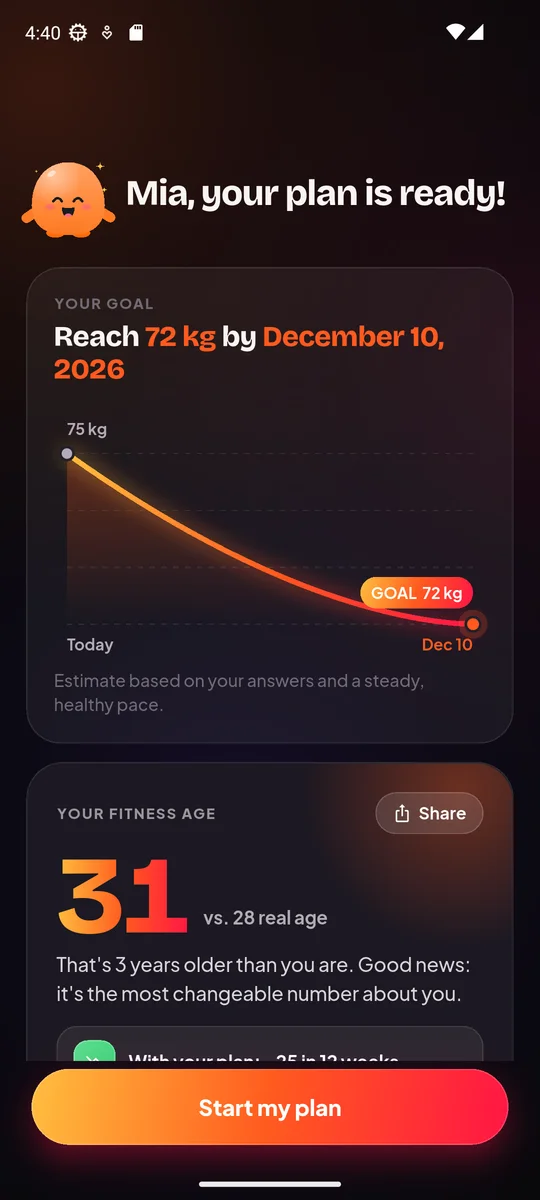
This workout generator builds a home workout and a full 4-week plan from your goal, session time, level, equipment and limits. It runs on the Homie Fit app’s own data and logic, works in your browser, is free, and nothing you enter is uploaded. Think of it as a workout plan at home that fits your day.
How to use the workout generator
- Pick your goal: lose weight, build muscle, get toned, get fitter, flexibility or less stress.
- Choose your focus areas.
- Set your session length, anywhere from 10 to 45 minutes.
- Select your level and how many days a week you want to train.
- Tick the equipment you own: dumbbells, band, pull-up bar or mat. No equipment is a fine answer too.
- Mark any limits: knees, lower back, wrists, shoulders or no jumping.
- Read today’s workout, then scroll to the full 4-week plan.
- Press “Shuffle” if you want a new variation.
This works as a home workout generator, a workout routine generator and a workout plan generator in one. If you like a surprise, Shuffle also acts like a random workout generator, but it stays inside your limits and equipment.
How it works
The logic is the same as in the Homie Fit app, explained here in plain words.
- Day themes. Each goal has a rotation of themes. For weight loss, that rotation is a full-body burn, a focus zone, cardio, and a second zone. Every training day gets one themed workout.
- Day 1 is always a workout. You start training right away.
- Filtering. Moves that clash with your limits or equipment are left out. Jumping is removed for knee problems, if you pick “no jumping”, at age 60 and up, or with a BMI of 33 and up.
- Fitting your time. Rounds and moves are fitted to your session length, so a 10-minute session is not just a shortened long one.
- Progression. Each week adds about 8% reps and 6% time and trims rest. Beginners and people returning after a long break ramp up more gently.
How to read the result
Every workout has three parts.
Warm-up
This gets your joints and muscles ready. Expect easy moves such as March in Place, Arm Circles or Leg Swings. Do not skip it, even in a short session.
Main circuit
Each move shows reps or time. Move through the circuit in order, then repeat for the number of rounds shown. As a general starting point, rest 30 to 60 seconds between rounds, and stop a rep or two before your form breaks down. If a move feels wrong for your body, Shuffle or swap it for something gentler.
Cool-down
Slow stretches bring your breathing down. A move like the Kneeling Hip Flexor Stretch is a common pick after lower-body work.
The 4-week view
The plan shows one themed workout per training day. Week 1 is the easiest. By week 4 you will see more reps, longer work time and shorter rest. Treat the weeks as a guide, not a test. If a week feels too hard, repeat it before moving on.
Limits and accuracy
The generator gives you an estimate of a sensible plan, not a medical or personal assessment. It cannot see your form, your sleep, your stress or your injury history. A few things to keep in mind:
- Marking a limit removes clashing moves, but it does not make a plan safe for every condition. If you have pain, an injury or a health concern, check with a doctor or physical therapist first.
- Exercise for one body part does not burn fat from that spot. A focus area just decides which muscles get extra attention.
- Results vary from person to person, so no plan can promise an outcome.
- Stop any move that causes sharp or unusual pain.
If you want a rough sense of the effort in a session, try the Calories Burned Calculator. It is also an estimate.
What to do next
Start with today’s workout and keep notes on what felt easy or hard. Then explore the guides that match your plan:
- Learn the lower-body basics with the Goblet Squat and the Glute Bridge.
- Want a ready-made session? Try the Glute Workout at Home or the Ab Workout at Home.
- Have dumbbells? The Dumbbell Arm Workout is a good add-on day.
- Curious about your overall fitness? The Fitness Age Calculator gives a quick snapshot.
When you want the plan to keep adapting after “too easy” or “too hard” feedback, the Homie Fit app builds a 4-week plan from a short setup and gets harder week by week. Its guided player adds a timer, a rep mode and a voice coach, so you can train without watching the screen.
Consistency matters more than a perfect plan. Pick a start day, do the first workout, and build from there.