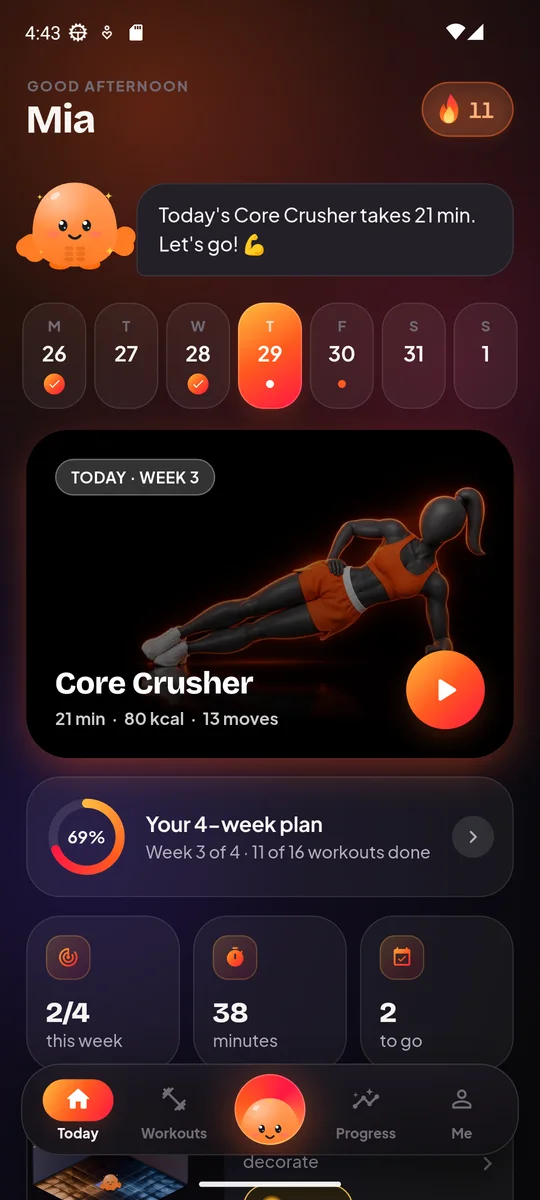
This calories burned calculator estimates how many calories an exercise or a whole home workout burns, based on your weight and the time you train. It uses the same MET values and formula as the Homie Fit app, runs in your browser, is free, and nothing is uploaded.
No sign-up is needed. You type a few numbers and read the result.
How to use the calories burned calculator
- Enter your body weight. You can use pounds (lb) or kilograms (kg).
- Pick what you did. Search the app library by name to choose a single exercise, or choose a whole app workout instead.
- For a single exercise, enter the minutes you trained.
- Read your result for the chosen time.
- Scroll to the comparison list. It shows popular moves for the same time, so you can see how they stack up.
The library covers the 174 exercises in the Homie Fit app, so you can look up the moves you actually do at home.
How it works
Every exercise has a MET value. MET stands for metabolic equivalent: a number that says how hard a move is compared with sitting still. A higher MET means a higher energy cost per minute.
The calculator uses this formula, the same one as the app:
kcal = MET x 3.5 x body weight in kg / 200 x minutes
In plain words: take the move’s MET, multiply by 3.5, then by your weight in kilograms, divide by 200, and multiply by the minutes. If you enter pounds, the tool converts to kilograms first (divide pounds by 2.2).
For a whole workout, the calculator also counts rest periods. Rest is not treated as zero. It counts at MET 1.8, so the total reflects the work and the breaks together.
Example MET values
Here are a few moves from the app: burpees at MET 10, jumping jacks at 8, squats at 5, and plank at 3.5.
For 10 minutes at 70 kg (about 154 lb):
| Exercise | MET | kcal in 10 minutes |
|---|---|---|
| Burpees | 10 | about 123 kcal |
| Jumping jacks | 8 | about 98 kcal |
| Squats | 5 | about 61 kcal |
| Plank | 3.5 | about 43 kcal |
How to read the result
The main number is the estimated calories for the time you entered. Change the minutes and it scales in a straight line: double the time, double the estimate.
The comparison list helps you choose. If you have 10 minutes, you can see which moves cost more energy per minute. A higher number is not automatically better, though. The best exercise is one you can do with good form, enjoy, and repeat this week.
A few things to keep in mind:
- Heavier bodies burn more for the same move and time, because the formula uses your weight.
- Minutes should be time spent moving. If you stop to check your phone or catch your breath, count that as rest.
- For a full workout, the rest-period logic is already included, so you do not need to subtract breaks yourself.
Common questions about big numbers
People often ask if they can burn 1000 calories in a workout, or if 10,000 steps burns 400 calories. Try it: enter your own weight and a long session and see what the formula gives. Your result depends on your weight, the move and the minutes, so it will differ from anyone else’s. If you jog in place for 30 minutes a day, you can look up Jog in Place, enter 30 minutes, and read your own estimate. You can learn the move on our Jog in Place guide.
As for losing a set amount a week, a calorie burn number alone cannot tell you that. Food intake, sleep and many other things play a part, and this tool does not predict body changes.
Limits and accuracy
This is an estimate, not a measurement. MET values are averages for a move done at a typical effort. Real burn depends on:
- Effort: how hard you push within the move.
- Body composition: muscle and fat affect energy use differently.
- Fitness: as you get fitter, the same move can cost your body less energy.
The formula also does not know your tempo, your range of motion or how long you really rested. Use the result to compare moves and to see rough trends, not as a goal you must hit. Do not eat less or push through pain to chase a number.
The calculator is also not a total daily calorie needs tool. It only covers the exercise you enter.
What to do next
If you want a plan, the Workout Generator can build a session for you, and you can then enter that workout here to see the estimate.
To try higher-energy moves, learn the form first:
- Jumping Jacks for a simple full-body warm-up or cardio block.
- March in Place if you want a gentler, lower-impact choice.
- Squats for a basic lower-body strength move. A starting point is 2 to 3 sets of 8 to 12 reps, resting 30 to 60 seconds.
If you like to track your training over time, Homie Fit has 6 30-day challenges, with one target per day and a rest day every 7th day, plus streaks that rest days do not break.