This body visualizer shows a figure drawn from your height and weight, then lets you move a timeline to preview your body at your goal weight. It runs on Homie Fit’s own data and logic, right in your browser. It is free, needs no sign-up, and nothing is uploaded.
If you have wondered “what will I look like if I lose weight?”, this is a calm, simple way to explore the question. It works as a body visualizer for women and for men, and you can use it as a weight loss simulator or to preview a muscle-building goal.
How to use the body visualizer
- Choose the sex used for the figure.
- Enter your height.
- Enter your current weight.
- Enter your goal weight.
- Move the timeline slider (in weeks) and watch the figure and the projected weight change.
You will also see the week the goal is reached. Try a few goal weights to compare. There is no wrong answer here, and nothing is saved or sent anywhere.
Female and male figures
The sex setting only changes the figure that is drawn. Pick whichever figure feels closest to the body you want to preview. If you want a figure that does not match your sex, you can still use the tool; the numbers behind it stay the same.
How it works
The figure is a stylized illustration drawn from your height and weight, which means from your BMI. BMI is simply weight compared with height. As the weight on the timeline goes up or down, the drawing gets broader or slimmer overall.
The timeline uses the same pace the Homie Fit plan uses: up to 0.75% of body weight per week (at most 0.75 kg, about 1.7 lb) when you are losing weight and about 0.25 kg (0.5 lb) per week when you are building muscle. The curve is a bit faster at the start and eases off later, so early weeks move the figure more than later ones. The tool turns that pace into a projected weight for each week and tells you the week your goal weight is reached.
There is no photo, no upload and no AI involved. Everything is calculated on your device in the browser.
Is it a 3D body visualizer?
No. It is a 2D illustration, not a 3D scan or model. It shows how the overall shape changes with weight, which keeps it fast and private.
How to read the result
Look at three things:
- The figure. Notice the overall change in shape between your current weight and the goal. Treat it as a rough sketch, not a portrait.
- The projected weight. This is where the steady pace would put you at the week you chose on the slider.
- The goal week. This tells you how long that steady pace would take on paper. Real life has busy weeks, plateaus and rest, so think of it as a planning guide and not a deadline.
If the goal week feels too far away or too close, adjust your goal weight and see how the preview changes. A goal you can keep working toward calmly is better than one that feels like pressure.
Body weight simulator or body fat visualizer?
This works as a body weight simulator: it follows weight, not body fat. It is not a body fat visualizer, because the drawing is based on BMI and does not know how much of your weight is muscle or fat. To understand body fat ranges, see the Body Fat Percentage Chart. To track change in a way that does not rely on the scale alone, learn how to measure your waist.
Limits and accuracy
This is an estimate, and a simple one. Keep these limits in mind:
- It is an illustration. It is not a photo and not a 3D scan.
- BMI cannot see muscle. Two people with the same height and weight can look very different.
- Fat distribution and frame matter. Where your body carries weight and how your bones are built are not part of the drawing.
- It is not a promise. The timeline shows a steady pace on paper. It does not guarantee any result or any date.
- It is not medical advice. If you are thinking about a big change in weight, talk with a doctor or dietitian first.
Your worth and your health are not defined by a drawing. Use the figure as a bit of motivation, then focus on habits you can repeat: moving most days, sleeping well and eating in a way that works for you.
What to do next
A preview is only useful if it leads to action. Here are some simple next steps:
- Build a session with the Workout Generator.
- Get a rough idea of what a session burns with the Calories Burned Calculator for Home Workouts.
- Start with a beginner-friendly lower body move like the Goblet Squat or the Glute Bridge.
- Try a full routine such as the Glute Workout at Home or the Ab Workout at Home.
A common starting point for strength moves is 2 to 3 sets of 8 to 12 reps, resting 30 to 60 seconds between sets. Exercise does not burn fat from one body part, so a mix of full-body work and everyday movement is the way to go.
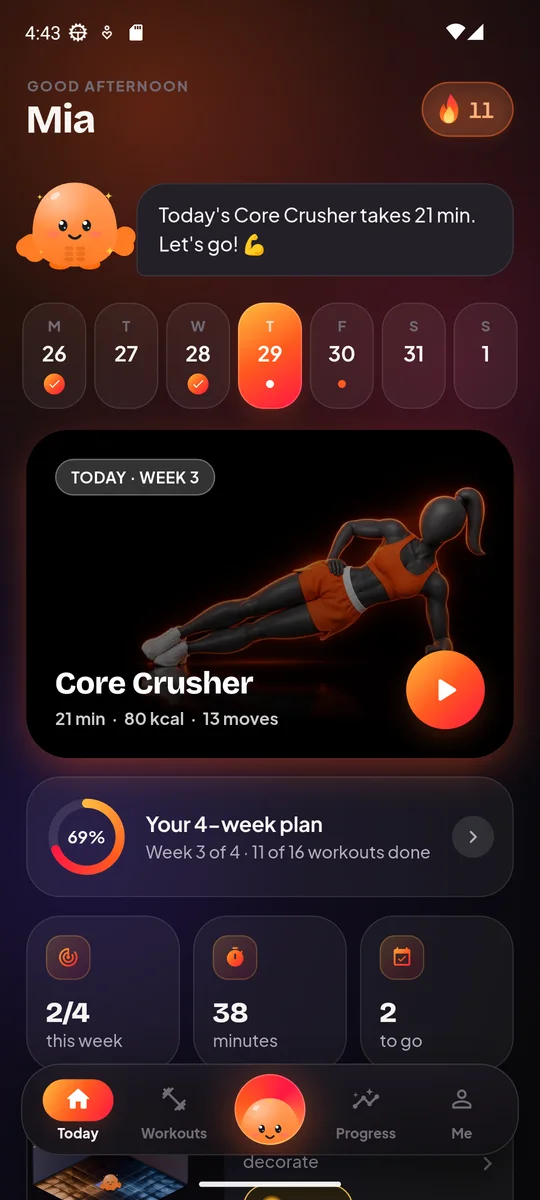
When you want a plan that follows you, Homie Fit builds a personal 4-week home workout plan from a short setup and adapts after your “too easy / too hard” feedback. Its Future You feature can also turn your own photo into an AI visualization of where steady training could take you. It is a visualization, not a promise.